01
Imagine
Start with a fashion idea
Begin with a written description, a material image, a garment reference or an outfit you have already created.
Describe the intended look
Choose a garment direction
Set color and style preferences
Generate an AI outfit from an idea, fabric or fashion reference, visualize it on a person with AI virtual try-on, evaluate and improve the result in Outfit Lab, and prepare the concept for tailoring or production.
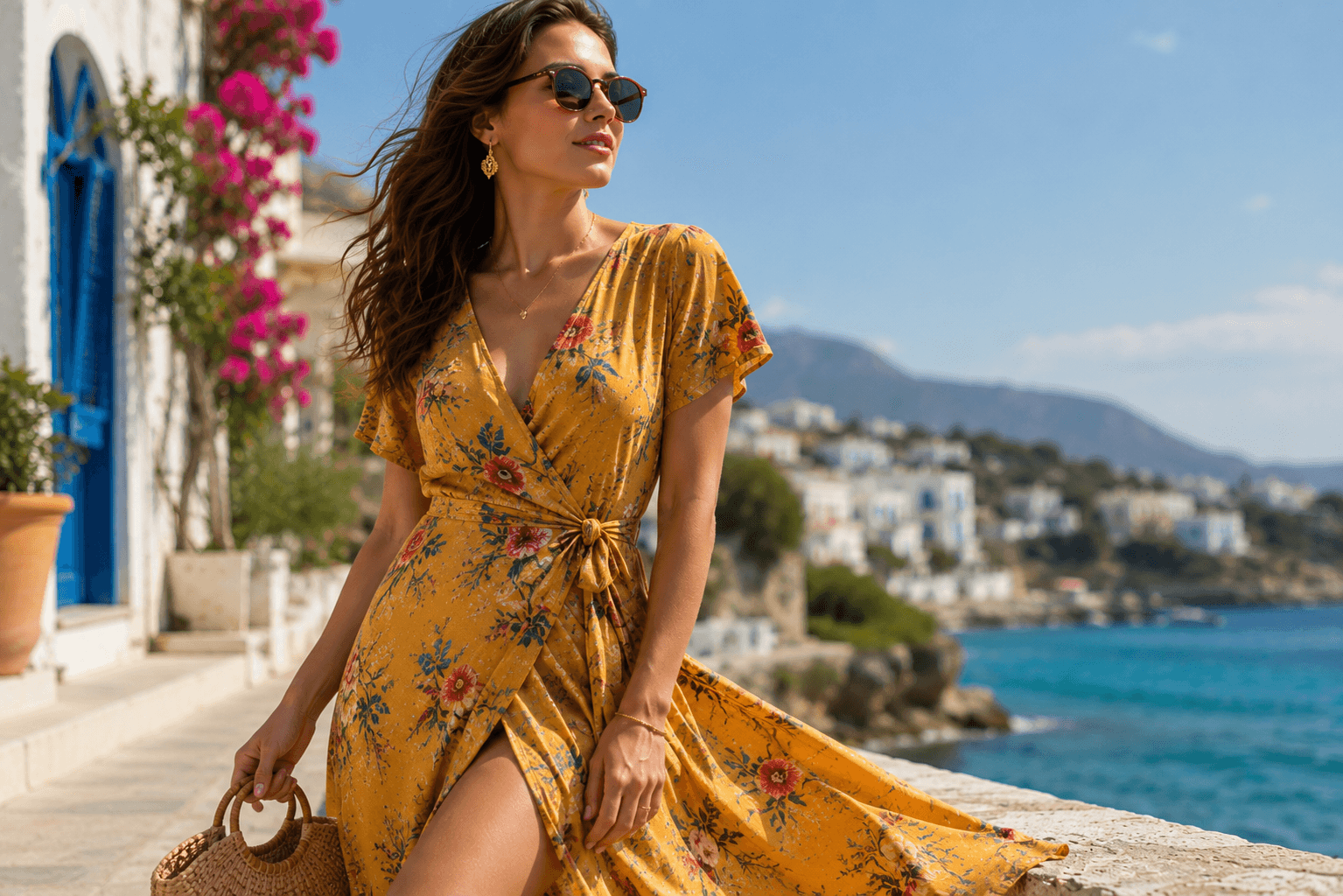
One complete workflow
Create
Visualize
Produce
Complete journey
6
Connected workflow stages
You do not have to use every tool each time. Begin at the stage that matches your current fashion idea and move forward as far as you need.
Imagine
Begin with a written description, a material image, a garment reference or an outfit you have already created.
Create
Turn your idea or visual reference into a polished fashion concept that can be explored, refined and reused.
AI virtual try-on
Upload a person image and combine it with a garment or AI-generated outfit to create an AI virtual try-on preview.
Understand
Move beyond the image and understand whether the outfit works, what could improve and whether it should be made.
Improve
Use styling intelligence and measurements to improve the outfit for the intended person and fit.
Produce
Use fabric guidance, measurements, tailoring instructions and CAD pattern drafts to move the digital fashion concept toward real-world creation.
Move through the journey
You can begin with an idea, a material, a garment or an existing fashion result. The platform connects each starting point to the next useful action.
Describe the garment, silhouette, color, occasion and styling direction you want.
Start with
Text prompt
Continue to
Generated outfit
Upload a fabric or material image and guide the AI toward a complete garment concept.
Start with
Material image
Continue to
Fashion concept
Use an existing garment or clothing reference as the source for virtual try-on.
Start with
Garment image
Continue to
Try-on preview
Select a previously generated outfit and continue directly into deeper fashion intelligence.
Start with
Saved outfit
Continue to
Outfit Lab
The first part of the journey moves from imagination into visual fashion exploration. Generate an AI outfit concept from text, fabric or a visual reference, then visualize a garment or generated outfit on a person through AI virtual try-on.
Use text, material or visual references to explain what should be created.
The system creates a fashion visual based on the selected direction.
Choose a person image and the garment or generated outfit you want to visualize on that person.
Use the AI virtual try-on preview to assess the general styling direction and suitability.
Fashion workflow
Step 01
Describe the outfit
“Create an elegant sleeveless evening dress with a fitted waist, soft drape and deep jewel-tone styling.”
Step 02
Add a reference
Material or garment image
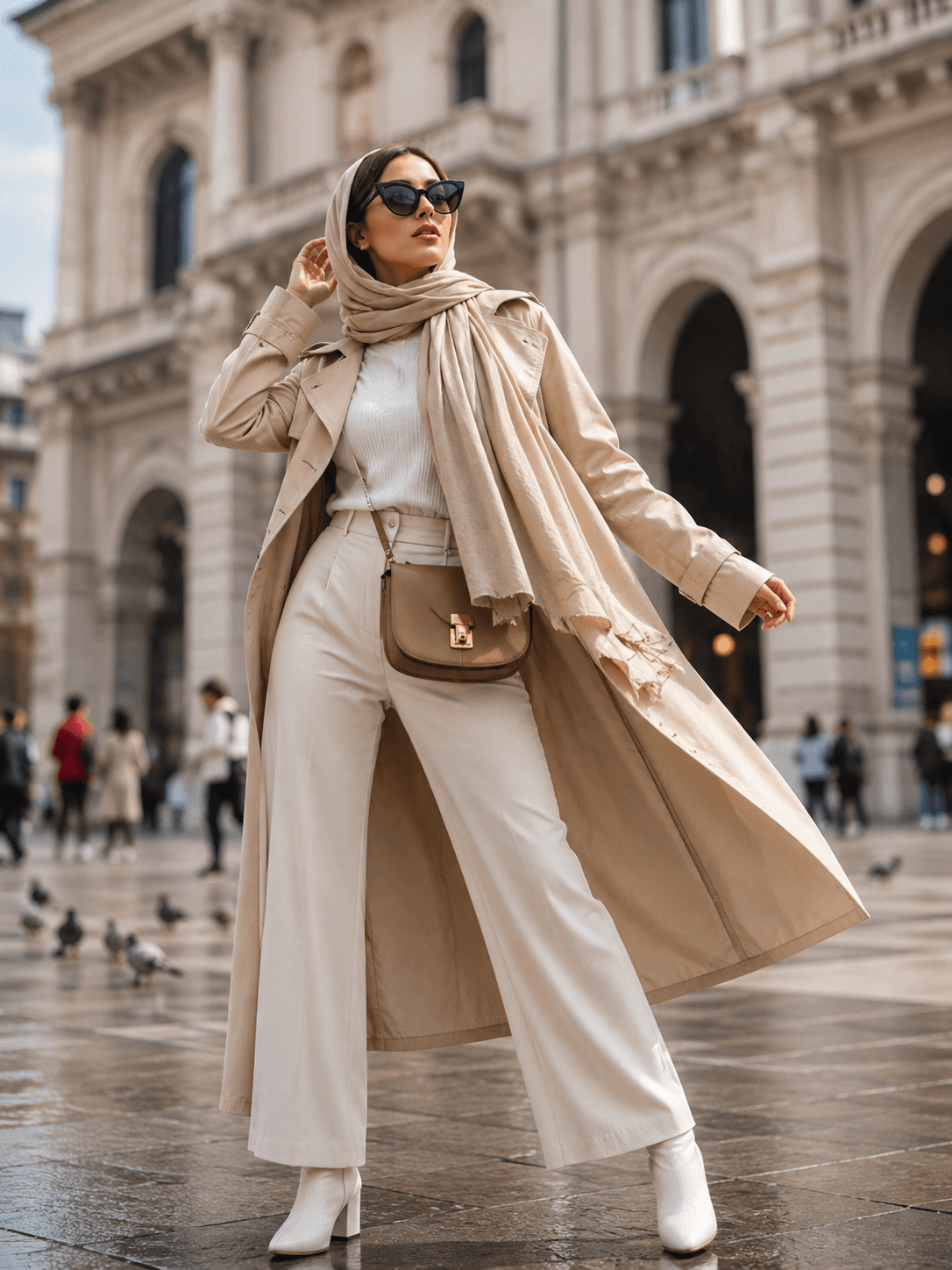
Generated outfit
Fashion concept ready
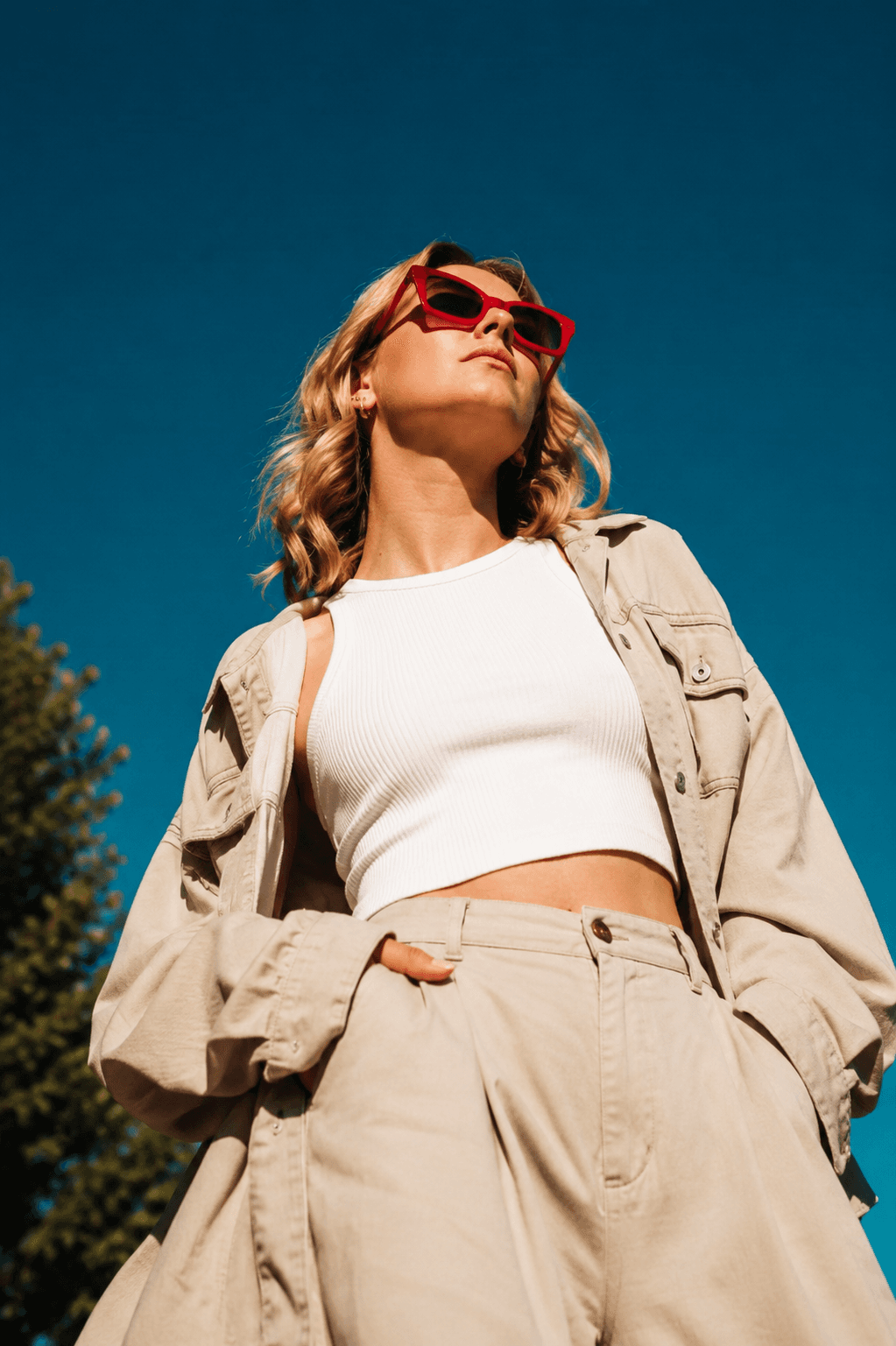
Virtual try-on
Visualized on a person
Next step
Open Outfit Lab
Outfit Lab is an AI fashion analysis and production workflow that helps you evaluate a generated outfit, improve fit and styling, personalize the result and move the concept toward tailoring and production.
Review style DNA, scoring, visual fit and quality.
Review improvement guidance and measurement-based adjustments.
Prepare tailoring guidance, measurements and CAD pattern drafts.
Ask outfit-specific questions about styling, fit and production.
Outfit Lab journey
Image preparation
Person image
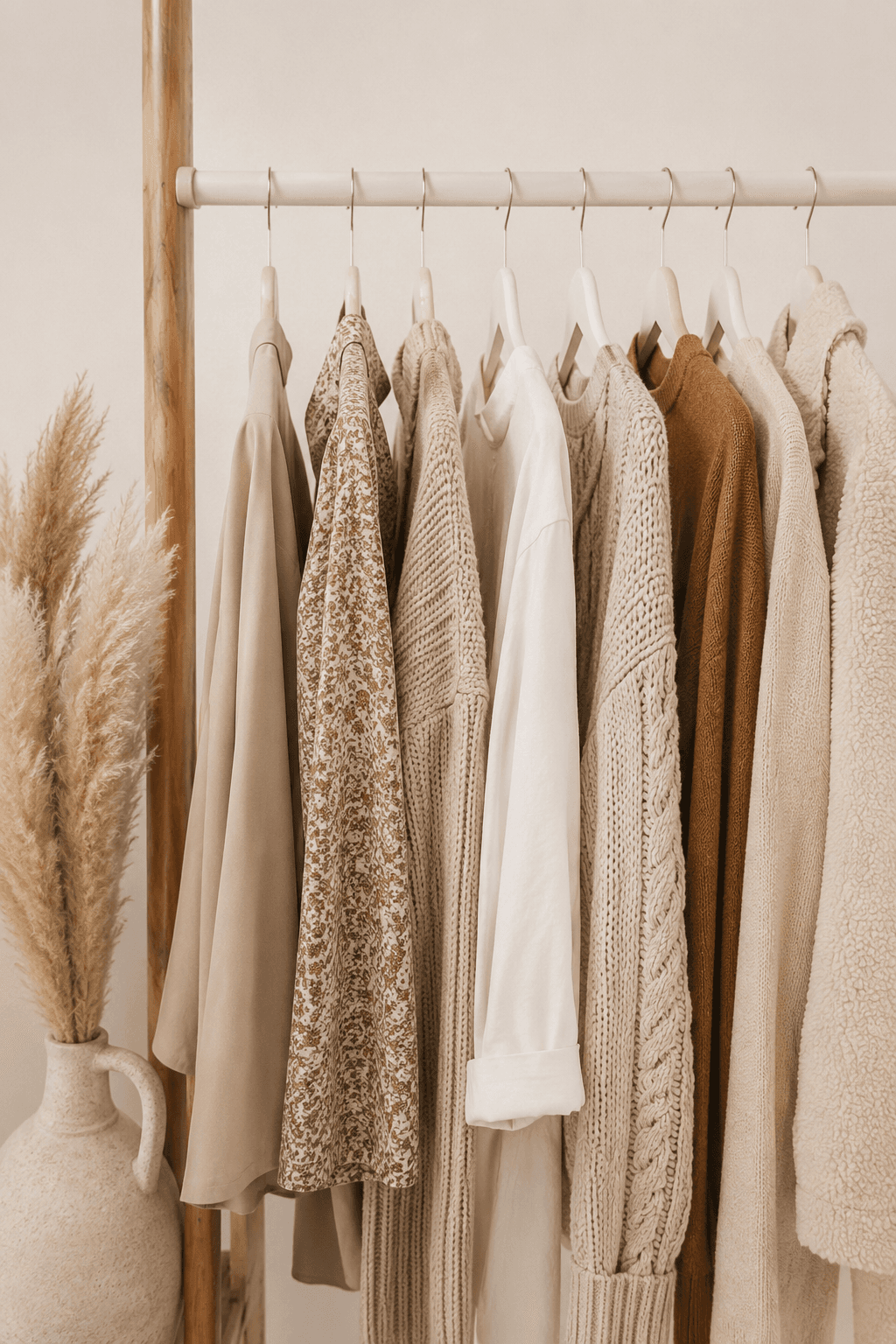
Garment image
Good lighting
Minimal obstruction
Visible garment shape
Clear body position
AI results depend heavily on the quality and clarity of the provided images. A few simple preparation choices can make the workflow more reliable.
Choose a well-lit image where the face, body and relevant clothing area are visible.
Use a garment image where the shape, color and design details are not hidden or folded.
Keep hands, bags, hair and other objects from covering important body or garment areas.
Clear descriptions of style, fit, color and occasion help produce stronger fashion directions.
Fashion Try-On AI supports visualization, styling exploration and production planning. Final physical garments can differ in color, fit, drape and construction.
AI-generated images help you explore a direction before making a final decision.
Measurements, patterns and production outputs should be reviewed by a qualified tailor or pattern maker.
Results can vary depending on image quality, instructions, pose, garment complexity and lighting.
Clearer prompts and stronger reference images can improve the next generation.
Start with a fashion idea, visualize the result and move it toward a clearer styling, tailoring or production decision.